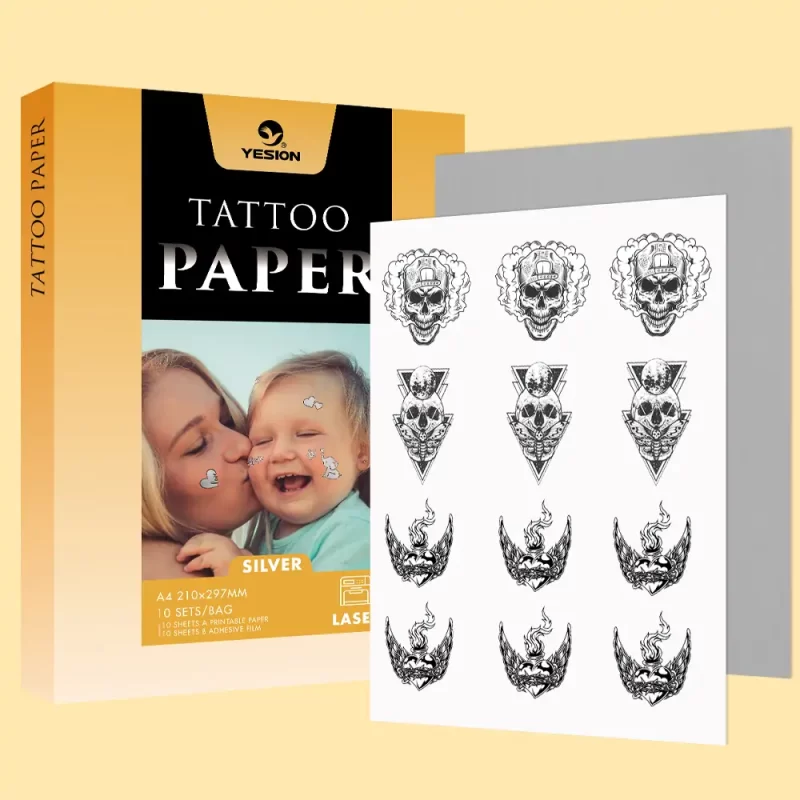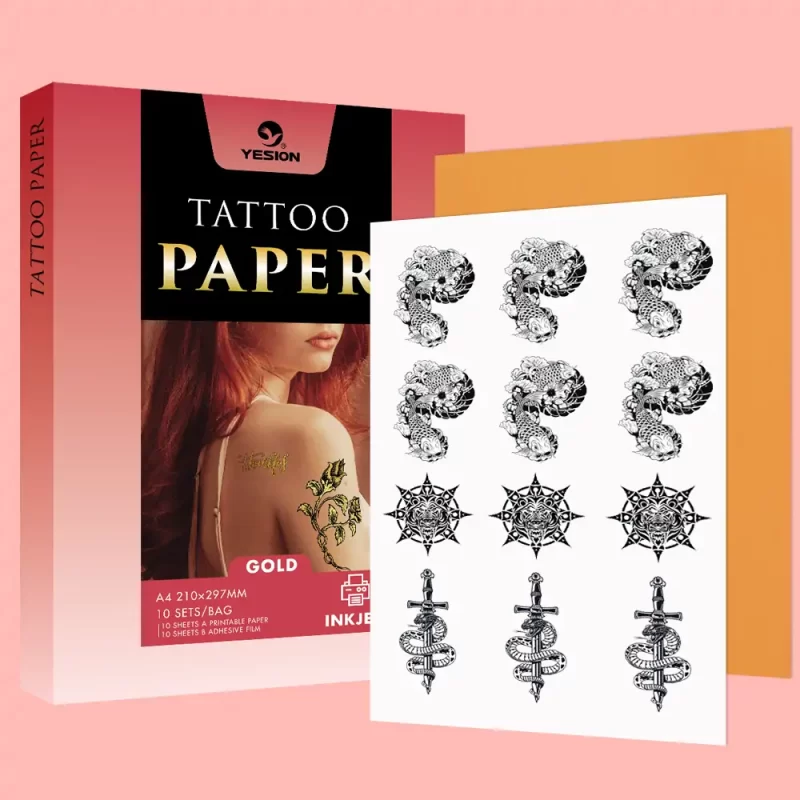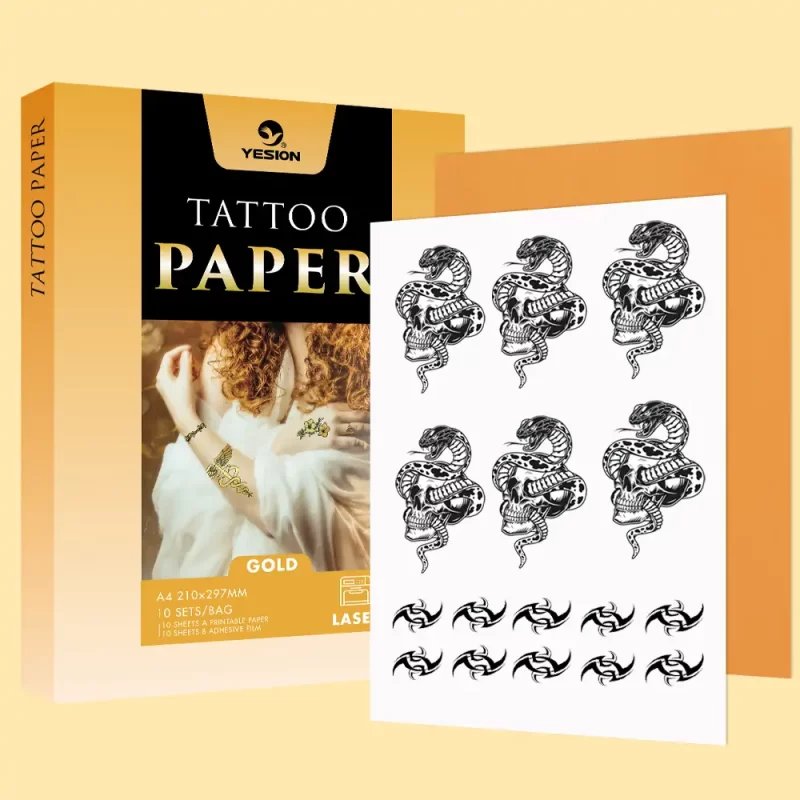
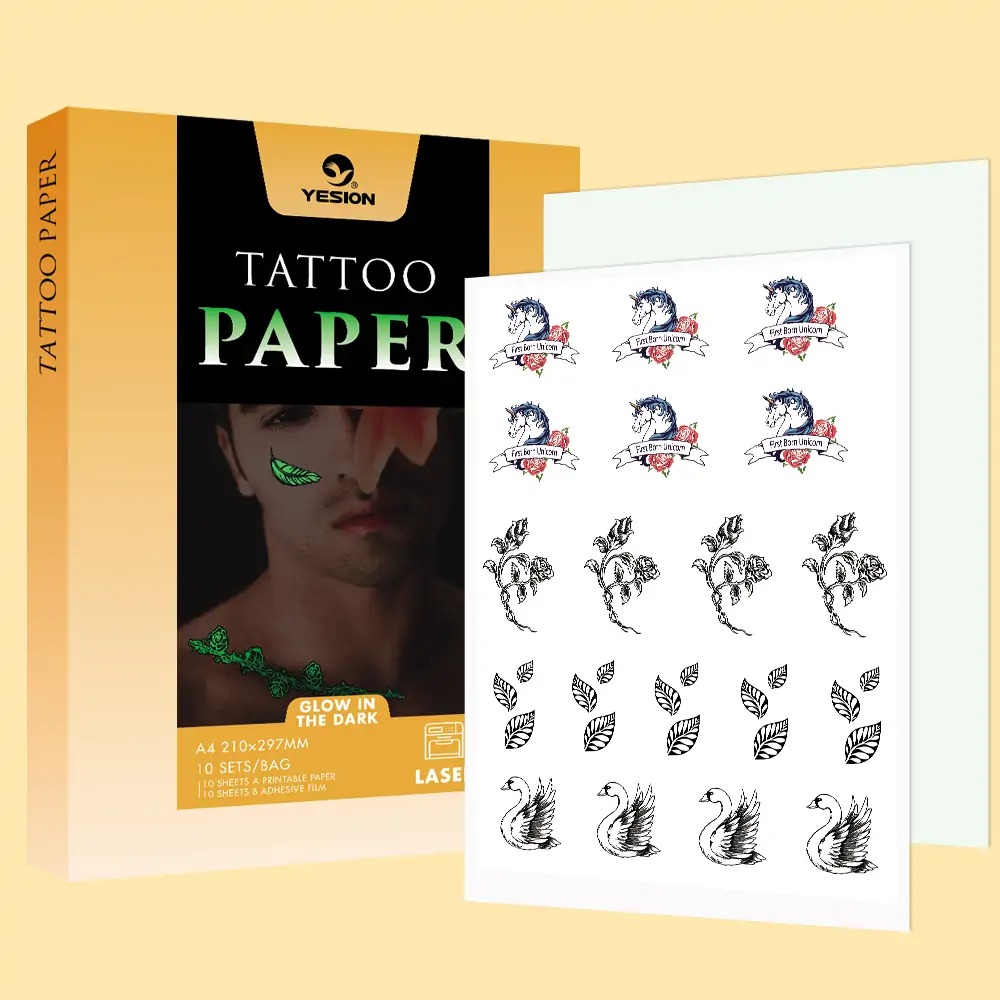
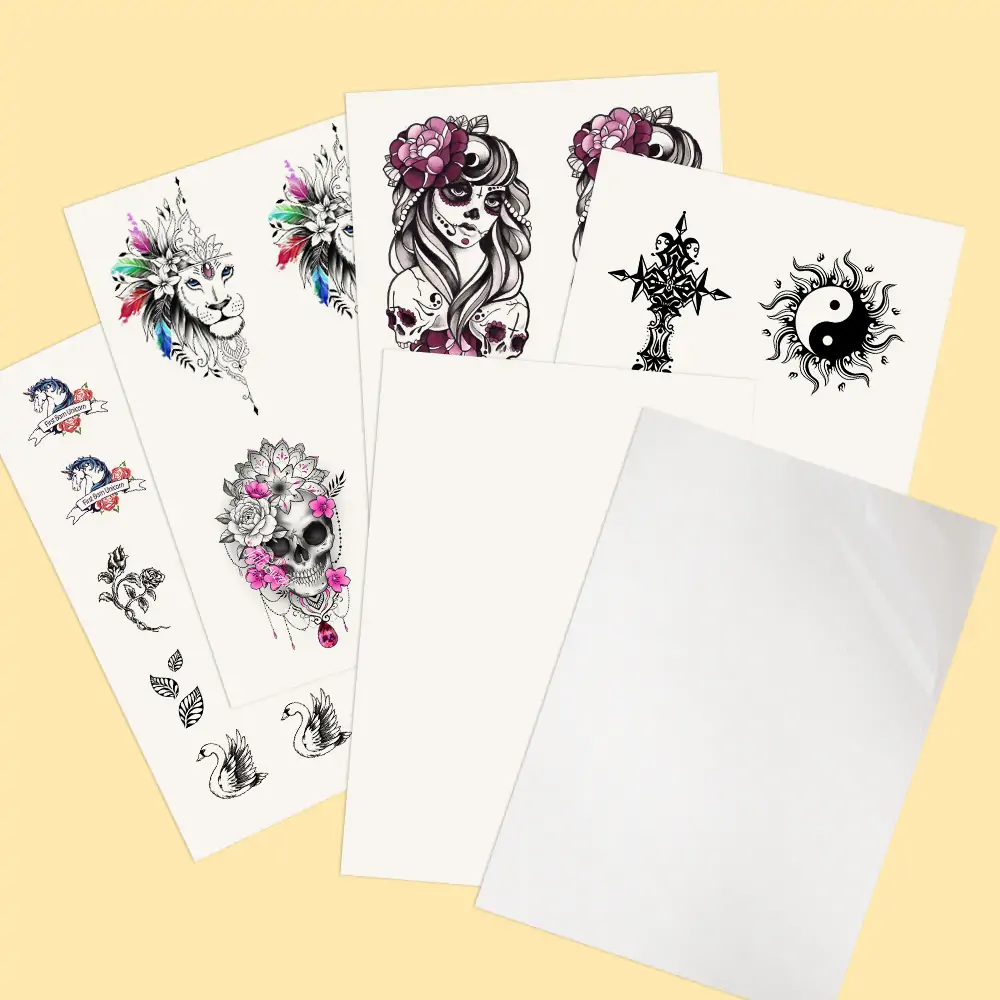

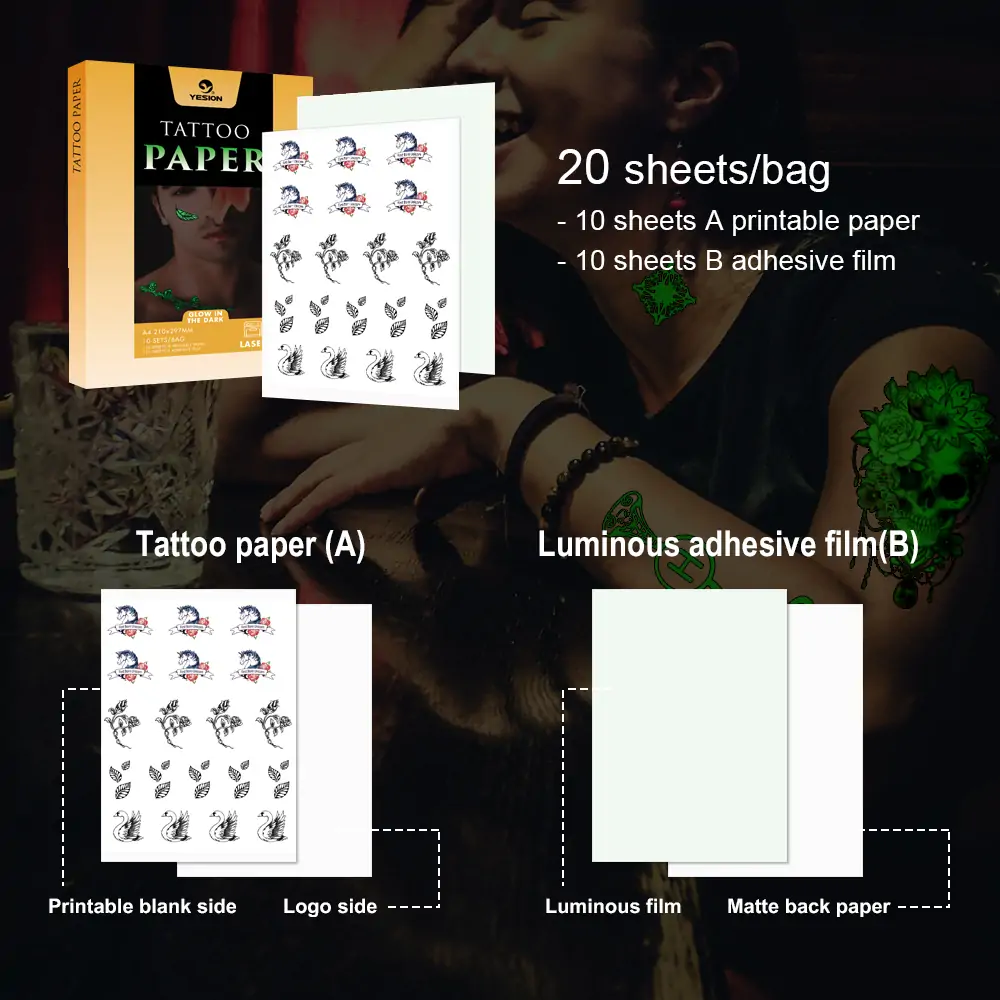
Tattoo Paper Glow In The Dark For Laser Printer
Glow-in-the-dark tattoo paper for laser printers is a type of special paper that allows you to create temporary tattoos that light up in the dark.
Glow-in-the-dark tattoo paper for laser printers is a type of special paper that allows you to create temporary tattoos that light up in the dark.
Our Glow-in-the-Dark Tattoo Paper for Laser Printers is specially developed for creating high-quality temporary tattoos with a unique luminous effect. Printed designs absorb light during the day and glow brightly in the dark, making them perfect for parties, festivals, events, fashion accessories, promotional products, and creative DIY applications.
As a direct factory manufacturer and wholesale supplier, we focus on providing stable quality, competitive bulk pricing, and customized solutions for distributors, wholesalers, brand owners, and large-volume buyers worldwide.
Free Samples for Quality Testing Before Bulk Orders.
Whether you are building your own tattoo paper brand or sourcing innovative products for your market, our glow-in-the-dark tattoo paper offers an excellent combination of creativity, quality, and wholesale value.